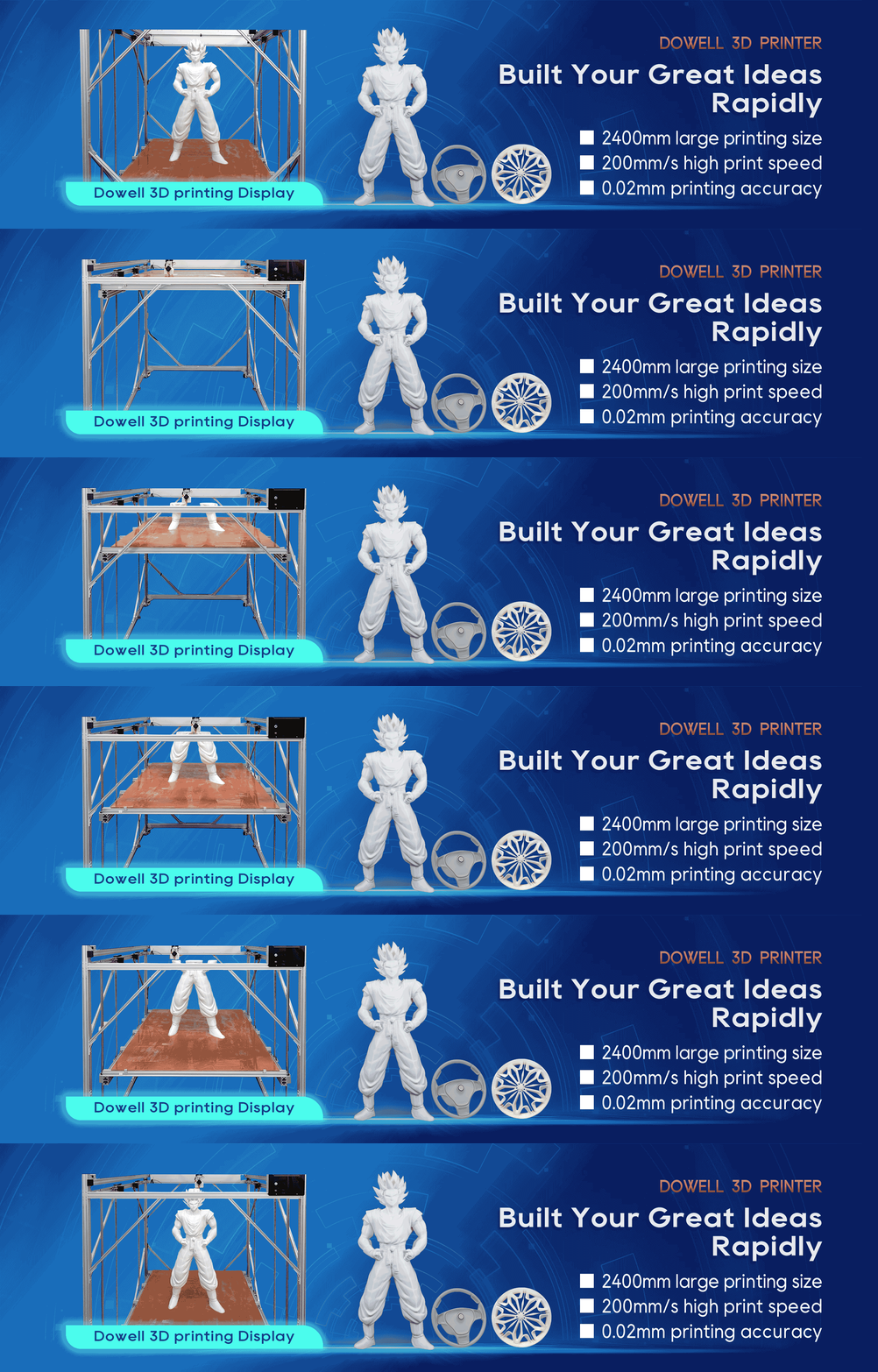
Large Format 3D Printer Filament Moisture Signs
Many 3D printing problems are not caused by the machine itself. In many cases, the real problem starts with
one overlooked factor — moisture in the filament.
For users operating a large format 3d printer, moisture-related issues can become even more noticeable because
large models require longer printing times, higher material consumption, and stable extrusion performance.
A spool of filament may look completely normal from the outside, but hidden moisture absorption can affect
print quality, surface finish, and mechanical performance.
Whether you are using a professional industrial 3d printer for manufacturing parts or a high precision 3d printer
for functional prototypes, understanding the early signs of wet filament can help reduce failed prints and
unnecessary costs.
Why Does Filament Moisture Affect 3D Printing Quality?
Most filament materials can slowly absorb moisture from the surrounding environment. When moisture enters
the hot end during printing, it turns into steam and affects the extrusion process. This can create bubbles, unstable
material flow, poor layer bonding, and visible surface defects.
For a standard desktop 3D printer, these problems may only affect a small prototype. However, for an industrial
3d printer used for functional parts, manufacturing tools, or large prototypes, inconsistent extrusion can directly
impact dimensional accuracy and final part performance.
Moisture-related issues are especially important for companies that depend on a high precision 3d printer, where
stable material feeding and repeatable print quality are essential.
7 Common Signs Your Filament Has Absorbed Moisture
1. Popping or Crackling Sounds During Printing
One of the easiest ways to identify wet filament is by listening carefully during extrusion.
If you hear:
Popping sounds
Crackling noises
Small hissing sounds from the nozzle
The filament may contain absorbed moisture. The water inside the material turns into steam when heated,
causing small pressure releases during extrusion.
A properly stored filament should normally feed smoothly with consistent extrusion sounds.
2. Rough or Uneven Print Surface
A smooth surface finish is one of the biggest advantages of professional 3D printing. However, moisture can create:
Rough textures
Small bubbles
Visible surface imperfections
Matte or uneven areas
For users running a large-format 3D printer, these defects become more noticeable because large models
have wider surfaces and longer printing cycles.
3. Excessive Stringing and Oozing
Many users try to solve stringing problems by changing retraction settings or adjusting printing temperatures.
Sometimes, the real problem is wet filament.
Moisture can cause unstable extrusion, leading to:
More stringing between printed sections
Extra material around corners
Poor detail quality
Before spending hours adjusting slicer parameters, checking filament condition is often a faster solution.
4. Weak Layer Adhesion and Reduced Part Strength
For industrial applications, appearance is only part of the requirement. Mechanical performance is equally
important.
Wet filament may reduce:
Layer bonding strength
Impact resistance
Overall durability
This is especially critical when using a large-format 3D printer to produce functional components, jigs,
fixtures, or end-use parts.
5. Inconsistent Extrusion
A stable extrusion process is the foundation of reliable 3D printing.
Signs of inconsistent extrusion include:
Uneven extrusion lines
Missing sections
Random gaps between layers
Different surface quality in the same print
If your machine settings have not changed but print results suddenly become unstable, filament moisture
should be one of the first things to check.
6. Brittle Filament That Breaks Easily
Another common warning sign is filament becoming fragile.
When stored in humid conditions for too long, filament may lose flexibility and break during feeding. This
can interrupt long printing jobs and create unnecessary downtime.
For manufacturers using an industrial 3d printer, preventing filament damage before production starts can
save significant time and material costs.
7. Poor Results After Long Storage
A new spool does not always guarantee perfect printing performance. If filament has been stored in an
unsuitable environment, it may already contain moisture before installation.
Always check:
Storage conditions
Packaging quality
How long the spool has been open
Local humidity levels
How to Prevent Filament Moisture Problems
The best solution is prevention. Once filament absorbs too much moisture, drying may be required before
printing again.
Recommended practices include:
Store Filament in a Dry Environment
After opening a spool, avoid leaving it exposed to air for extended periods.
Professional users often use:
Sealed storage containers
Dry boxes
Desiccant materials
Controlled humidity environments
These methods help maintain stable printing performance.
Check Filament Before Large Printing Jobs
Large models can take many hours or even days to complete. Before starting a major project, test a small section
first.
A quick test print can help identify:
Moisture issues
Extrusion problems
Unexpected material behavior
This simple step can prevent expensive production failures.
Match Your Printer Capability With Your Production Needs
A reliable printing system requires both a suitable machine and proper material management.
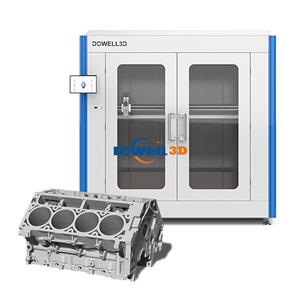
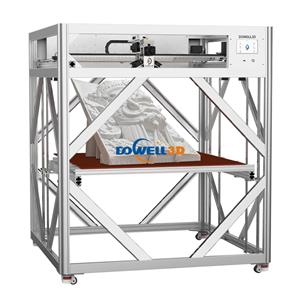
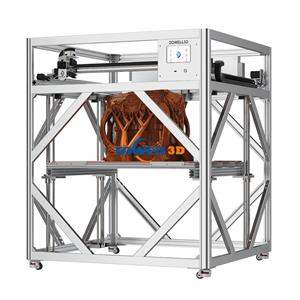
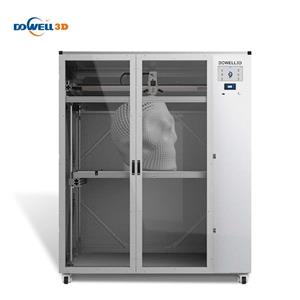
For companies producing large prototypes, industrial parts, or oversized models, choosing a capable large-format
3D printer can improve workflow efficiency. Dowell 3D focuses on providing large-scale printing solutions designed
for users who need stable performance, large build volume, and consistent output quality.
Final Thoughts: Keep Filament Dry for Better 3D Printing Results
Many printing failures are not caused by the machine itself. Sometimes, the real problem starts with moisture inside
the filament.
Recognizing early warning signs — such as popping sounds, rough surfaces, stringing, weak layers, and inconsistent
extrusion — can help users solve problems faster.
For professionals using a large-format 3D printer, filament management is an important part of achieving reliable,
high-quality production. A good printer combined with proper material handling creates a more efficient and
predictable 3D printing workflow.