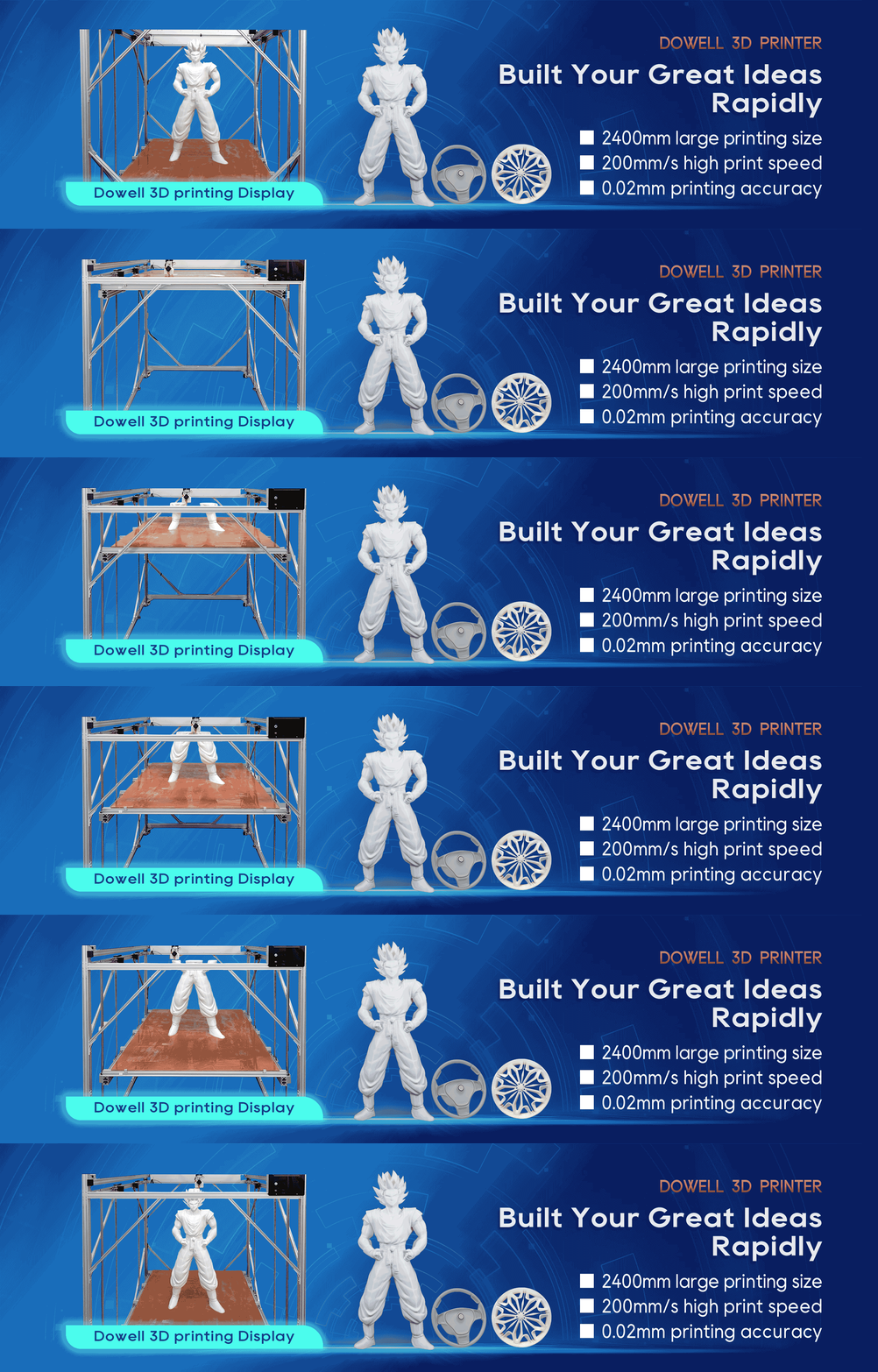
Large 3D Printer Z-Axis Wobble: Causes and Fixes
When using a large-format 3D printer, one of the most frustrating problems is seeing visible layer lines,
uneven walls, or repeating patterns on a finished part. In many cases, the cause is Z-axis wobble.
For users who rely on a 3d printer for functional prototypes, industrial parts, or large-scale models, Z-axis
stability directly affects print quality. A small mechanical issue that seems minor on a desktop machine
can become a serious accuracy problem on a large build platform.
This guide explains what causes Z-axis wobble, how to diagnose it, and the best ways to fix and prevent it.
What Is Z-Axis Wobble in a 3D Printer?
Z-axis wobble happens when the print head or build platform moves unevenly along the vertical Z-axis
during printing. Instead of moving in a perfectly straight line, the Z-axis movement slightly shifts from
side to side.
The result is often visible as:
Horizontal lines or repeating patterns on the print surface
Uneven vertical walls
Layer misalignment
Poor dimensional accuracy
Reduced surface quality
Weak mechanical strength in printed parts
For a large format 3D printer, the problem can become more noticeable because the Z-axis components
are longer, heavier, and under more mechanical stress.
A professional industrial 3D printer needs a stable Z-axis structure because even a small amount of movement
can affect large parts that require consistent dimensions.
Common Causes of Z-Axis Wobble on Large 3D Printers
1. Loose Z-Axis Components
One of the most common reasons for Z-axis wobble is loose mechanical parts.
During long printing jobs, vibration and repeated movement can gradually loosen:
Lead screw couplers
Linear guides
Mounting brackets
Frame connections
Z-axis nuts
When these components are not firmly secured, the Z-axis may move slightly during each layer, creating visible
defects.
How to Fix It
Check all Z-axis hardware and tighten:
Screws connecting the Z-axis frame
Motor mounts
Guide rail supports
Lead screw mounting parts
Avoid excessive tightening, especially on linear motion components, because over-tightening can restrict smooth
movement.
2. Bent Lead Screw or Incorrect Lead Screw Alignment
A slightly bent lead screw can create a repeating wobble pattern throughout the print.
This issue is more common in large machines because longer lead screws are more sensitive to:
Transportation impacts
Improper installation
Mechanical stress
A lead screw that is not perfectly aligned with the motor shaft can push the Z-axis sideways as it rotates.
How to Check
Slowly rotate the lead screw by hand and observe whether:
The screw moves in a circular path
The Z-axis nut moves sideways
The movement feels uneven
Solution
Make sure:
The lead screw is straight
The motor and lead screw are aligned
The coupler is flexible and installed correctly
Many modern large format 3D printers use improved Z-axis structures to reduce these alignment problems
and maintain better precision over large print heights.
3. Poor Lubrication or Dirty Linear Motion System
A Z-axis system requires smooth movement. Dust, debris, or insufficient lubrication can create resistance and
uneven motion.
Signs include:
Grinding sounds
Sticking movement
Different resistance levels during Z movement
Maintenance Tips
Regularly:
Clean linear rails or rods
Remove dust and debris
Apply suitable lubricant
Check moving parts before long prints
For users running an industrial 3D printer continuously, regular maintenance is essential to keep stable performance.
4. Incorrect Z-Axis Motor Installation
The Z-axis motor plays an important role in maintaining vertical accuracy.
Common installation problems include:
Motor shaft not aligned with the lead screw
Loose motor bracket
Incorrect coupler position
These issues can introduce small movements that become visible after hundreds of layers.
Recommended Check
Move the Z-axis up and down manually. The movement should feel smooth without resistance or sudden jumps.
5. Heavy Print Loads and Large Build Volumes
Large parts create additional challenges.
A large 3d printer usually handles heavier:
Print platforms
Tool heads
Large models
Long printing times
If the frame structure is not rigid enough, vibration can affect Z-axis accuracy.
This is why professional large-format machines often focus on:
Strong frame design
Stable motion systems
Reinforced Z-axis structures
High-quality linear components
For customers producing industrial prototypes or oversized functional parts, choosing a machine designed for
large-scale printing can reduce many mechanical issues.
How to Diagnose Z-Axis Wobble Step by Step
Before replacing parts, follow this simple inspection process.
Step 1: Check the Printed Pattern
Look at the affected area:
Does the pattern repeat at the same height interval?
Are the lines evenly spaced?
Is the entire model shifted?
Repeating patterns often indicate mechanical movement issues.
Step 2: Test Z-Axis Movement
Move the Z-axis manually and check:
Smooth movement
Side-to-side play
Unusual resistance
Noise from motors or rails
Step 3: Inspect the Frame
A stable frame is the foundation of a high-precision 3D printer.
Check:
Frame screws
Gantry stability
Rail mounting points
Platform support structure
A rigid structure helps maintain accuracy, especially when printing large models.
How to Prevent Z-Axis Wobble in Large Format 3D Printing
Prevention is always better than troubleshooting after a failed print.
Perform Regular Maintenance
Create a maintenance schedule:
Clean motion components
Check screws and connections
Lubricate moving parts
Inspect lead screws
Calibrate Your Machine Properly
Regular calibration improves:
Layer consistency
Dimensional accuracy
Surface quality
Important calibration areas include:
Z-axis alignment
Bed leveling
Motion system adjustment
Printing temperature settings
Choose a Stable Large Format 3D Printer
For users printing large industrial parts, machine structure matters.
A reliable large format 3D printer should provide:
A rigid frame
Accurate motion control
Stable Z-axis design
Consistent performance during long prints
Dowell 3D focuses on developing large build-volume 3D printing solutions that balance size, stability, and
precision for professional applications.
Whether producing prototypes, manufacturing aids, or oversized models, a well-designed machine can
significantly reduce common problems like Z-axis wobble.
Does Z-Axis Wobble Affect Print Accuracy?
Yes. Z-axis wobble can directly influence the final dimensions and appearance of a printed part.
For basic models, the effect may only appear cosmetic. However, for industrial applications, even small
inaccuracies can cause:
Incorrect fitting between parts
Poor assembly performance
Additional post-processing work
This is especially important for users who need a high-precision 3D printer for engineering prototypes and
functional components.
Conclusion
Z-axis wobble is a common challenge in 3D printing, especially when working with larger machines. The
main causes are usually mechanical: loose components, alignment problems, insufficient maintenance,
or an unstable structure.
By checking the Z-axis system regularly and choosing a reliable large-format 3D printer, users can achieve
smoother surfaces, better accuracy, and more consistent printing results.
For businesses that need dependable large-scale production, investing in a professional industrial 3D printer
with a strong mechanical design can make a significant difference.