Visible Layer Lines? Tips to Improve Print Quality
When you're working with a 3D printer, one of the most common issues you may encounter is visible layer lines.
These lines can ruin the smooth appearance of your print, especially if you're aiming for professional-quality results.
Whether you are using an FDM 3D printer or a large-format 3D printer, these lines can appear even on the most
carefully crafted designs. Fortunately, several tips and adjustments can help you improve your print quality and
reduce the appearance of these visible lines.
Why Do Visible Layer Lines Appear?
In FDM 3D printing, the process involves melting filament and depositing it in layers. As the printer builds up the
object layer by layer, the edges of these layers can become visible, resulting in the characteristic layer lines. While
some degree of layer lines is normal, excessive or prominent lines can be a sign that something in your print setup
needs adjustment.
Several factors contribute to this issue, including print settings, the type of filament used, and the calibration of your
3D printer. In particular, large-format 3D printers, or big 3D printers, which handle larger projects, are more prone
to visible layer lines due to the larger printing area. Below, we'll explore some of the most effective ways to minimize
these imperfections and enhance your overall print quality.
1. Fine-Tune Print Settings
One of the first places to look when trying to reduce visible layer lines is your print settings. Fine-tuning these
settings can have a dramatic effect on the quality of your prints. Here are a few key adjustments you should consider:
Layer Height:
Smaller layer heights will reduce the visibility of individual layers. For instance, printing with a 0.1mm layer height
instead of 0.2mm can significantly smooth the finish, as the layers are thinner and less noticeable.
Print Speed:
Slowing down the print speed allows the 3D printer more time to lay down each layer accurately, resulting in
smoother transitions and better adhesion between layers. Too fast a print speed can lead to under-extrusion,
which makes the layer lines more visible.
Extrusion Multiplier:
Adjusting the extrusion multiplier can help control the flow of filament, preventing over-extrusion, which leads
to excessive material buildup and visible lines.
By carefully adjusting these settings, you'll improve the overall quality of your print, reducing the visible layer lines.
2. Choose High-Quality Filament
The quality of the filament you use plays a significant role in the final print quality. Using low-quality or inconsistent
filament can lead to inconsistent extrusion, resulting in uneven layers and visible lines. If you're looking for a better
finish, consider upgrading to high-quality filament options.
For more professional and industrial applications, filament types like PLA+, ABS, and PETG tend to provide better
results, especially when used with a large-format 3D printer. These materials not only provide a smooth finish but
also offer excellent durability and strength for industrial applications.
When working with a big 3D printer, it's essential to choose filament that is compatible with the machine's
capabilities. Ensuring that your 3D printer and filament are well-matched will help you avoid extrusion problems
that can cause visible layer lines.
3. Calibrate Your 3D Printer
Proper calibration is essential for achieving the best print quality, particularly when using a large-format 3D printer
or an industrial 3D printer. If your printer is not calibrated correctly, you may experience issues like layer misalignment,
under-extrusion, or inconsistent extrusion, all of which can contribute to visible layer lines.
Make sure your printer's bed is level, the nozzle height is correctly set, and the extruder is feeding filament at the
right rate. Many modern 3D printers come with auto-calibration features that can simplify this process. However,
if you're using an older machine or a more advanced industrial model, you may need to calibrate manually for the
best results.
4. Optimize Print Temperature
Another factor that can affect the appearance of layer lines is the print temperature. Both the hotend and the heated
bed play a role in how the filament is deposited and how well the layers bond together.
Hotend Temperature: The temperature at which the filament is extruded is crucial for achieving a smooth finish. If
the temperature is too high, it can cause over-extrusion or stringing; too low, and it may result in poor layer adhesion,
causing visible gaps between layers.
Heated Bed Temperature: A heated bed can help prevent warping and ensure that the first few layers adhere well to
the surface. This is particularly important when printing large models with a big 3D printer.
By keeping a close eye on your print temperatures and adjusting them to match the filament you're using, you can
further reduce visible layer lines.
5. Post-Processing for a Smoother Finish
Sometimes, even after adjusting your settings and calibrating your 3D printer, visible layer lines may persist. This is
where post-processing comes in. If you're striving for the highest possible finish, sanding or chemically smoothing
your print can give you that flawless look.
Sanding: Start with coarse sandpaper to remove the larger imperfections, then gradually move to finer grit sandpaper
to smooth out the surface. This method works well for most FDM 3D printing projects.
Chemical Smoothing: For materials like ABS, you can use acetone vapor or a similar chemical to smooth the surface.
This method works by slightly dissolving the outer layer of the print, creating a smooth, glossy finish.
Both techniques require some effort but can dramatically improve the appearance of your prints, especially for large
or industrial models printed with a large-format 3D printer.
6. Consider Upgrading Your Printer
If you consistently face issues with visible layer lines, it might be time to consider upgrading your 3D printer. Newer
models, especially industrial 3D printers or large format 3D printers, come with advanced features designed to
minimize common print issues, including visible layer lines. These printers often offer higher precision, better extruder
systems, and improved calibration mechanisms that reduce the likelihood of imperfections.
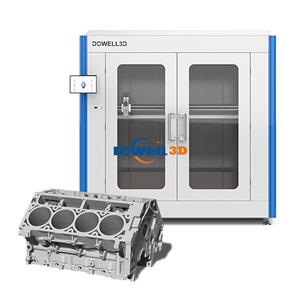
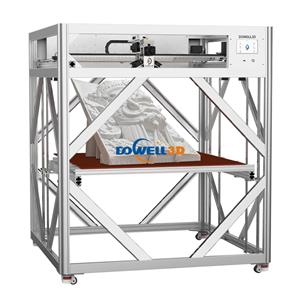
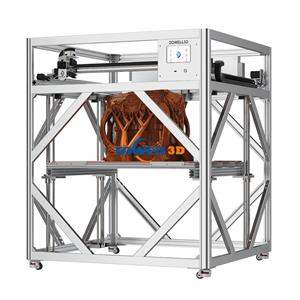
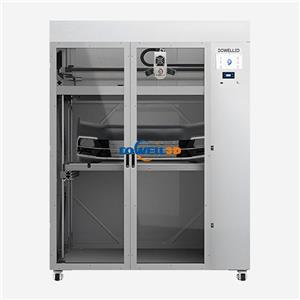
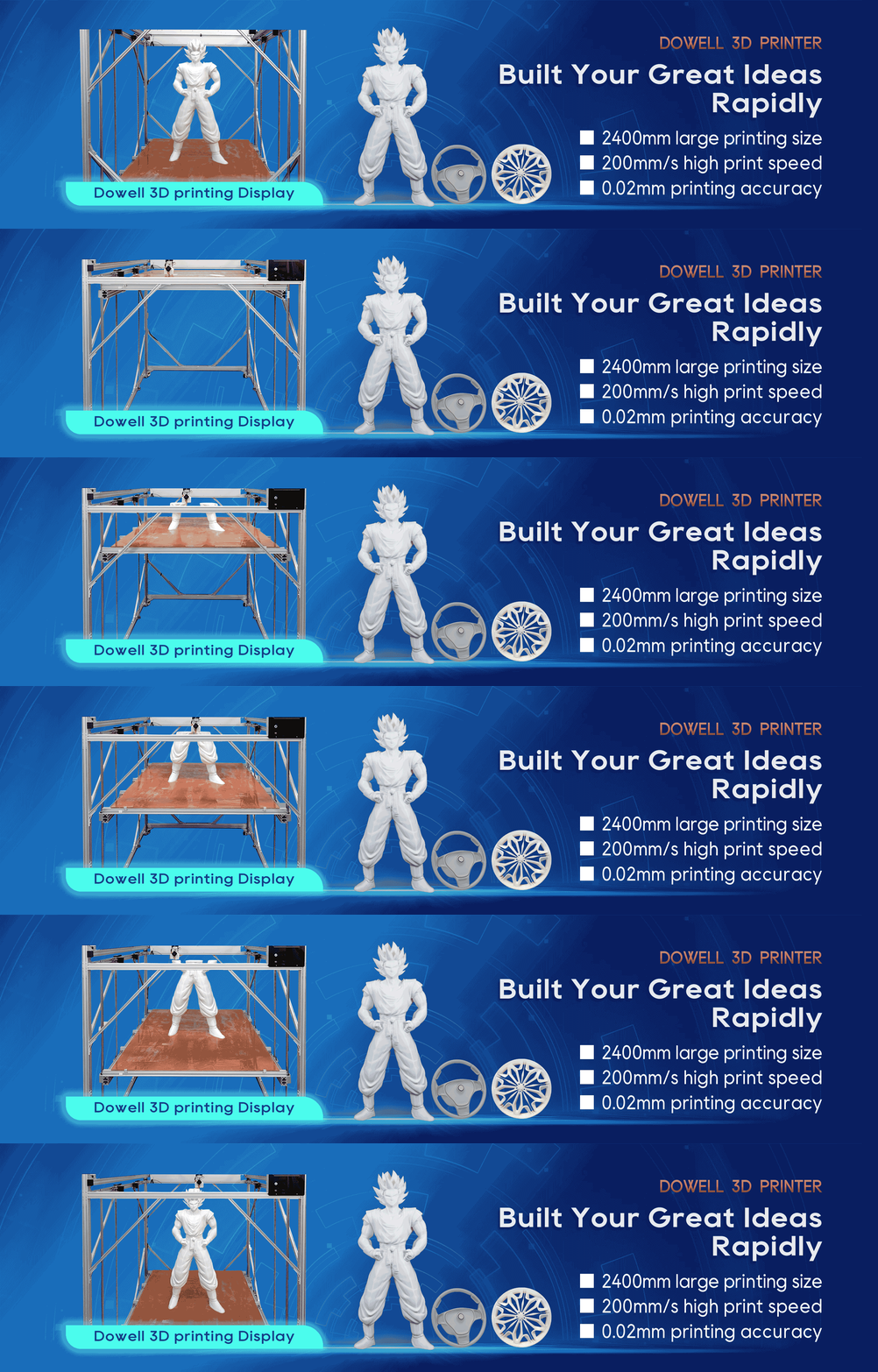
If you're looking to produce professional-quality prints on a larger scale, a Dowell3D large-format 3D printer
might be exactly what you need. With superior build quality and precise printing technology, Dowell3D printers
help eliminate many of the common issues that lead to visible layer lines, even on big, complex prints.
Conclusion
Visible layer lines don't have to be a permanent problem in your 3D printing process. By optimizing your print
settings, using high-quality filament, calibrating your machine properly, and exploring post-processing techniques,
you can significantly reduce these imperfections. For large-scale prints, particularly when working with a large-format
3D printer, the right adjustments are even more important to ensure smooth, professional results.
If you're working on industrial projects or large prototypes, upgrading to a Dowell3D large-format 3D printer could
be the key to achieving the flawless, high-quality prints you're aiming for. Don't let visible layer lines hold you back—
take control of your printing process today.