How to Achieve Perfect Print Accuracy: Tips for Solving Calibration Issues in 3D Printing
For 3D printing enthusiasts, achieving perfect printing accuracy is their ultimate goal. However, many users encounter various
problems during calibration, leading to frustrating results such as misaligned prints, warped models, or poor surface finish.
Whether you are a hobbyist or a business user, printing accuracy is crucial for producing professional-grade parts. DOWELL3D
will explore common calibration problems and their solutions with you, allowing you to fully utilize your printer's performance
and achieve perfect prints.
Why Calibration Matters in 3D Printing
3D printers rely on precise movement and accurate material extrusion to create high-quality models. Without proper calibration,
your 3D printer may struggle to deliver the results you expect. A small deviation in nozzle height, filament temperature, or bed
leveling can lead to issues such as:
1. Layer misalignment or inconsistent layers
2. Poor adhesion between layers, resulting in weak prints
3. Inaccurate dimensions, causing parts to be unusable
4. Warping or curled edges that ruin the final product
By understanding and fixing these common calibration issues, you can drastically improve your 3D printing results.
Key Tips to Solve Calibration Issues and Achieve Print Accuracy
1. Proper Bed Leveling
One of the most common causes of poor print accuracy is improper bed leveling. If the print bed is not perfectly level, the nozzle
might be too close or too far from the surface, leading to issues with adhesion and print quality.
Tip: Perform a manual or automatic bed leveling process regularly. Ensure that the nozzle is consistently at the correct height across
the entire bed. Many 3D printers, like those manufactured by DOWELL3D, come with automatic bed leveling features to make this
process easier and more accurate.
2. Nozzle Height Adjustment
The nozzle height, or the distance between the nozzle and the print bed, has a major impact on print quality. If it's too high, the
filament won't properly adhere to the print bed; if it's too low, you risk damaging the bed or creating a jam.
Tip: Adjust the nozzle height carefully before every print. On DOWELL3D printers, the built-in calibration features help ensure consistent
nozzle positioning for the best results. Make sure your printer has a precise Z-axis control system to maintain a stable distance.
3. Temperature Calibration
The temperature of both the print bed and the extruder plays a huge role in achieving the right print quality. Too hot, and the filament
can become too liquid and runny; too cold, and it won't adhere properly.
Tip: Always check the recommended temperature for the filament you're using and adjust your printer's settings accordingly. For instance,
PLA requires a print temperature of 190-220°C, while ABS needs higher temperatures of 230-270°C. DOWELL3D printers are designed with
advanced temperature control features, ensuring consistent heat levels for optimal performance.
4. Filament Quality and Consistency
The type of filament you use can affect your print quality. Low-quality or inconsistent filament can lead to extrusion problems, resulting in
uneven layers or poor adhesion.
Tip: Always use high-quality filament from reputable manufacturers. DOWELL3D offers premium filament that ensures smooth extrusion and
consistent results. Whether you're printing with PLA, PETG, or more advanced materials like Nylon or Carbon Fiber, using high-quality filament
will prevent most extrusion issues.
5. Speed and Print Settings Optimization
Printing too fast can cause the extruder to skip steps, leading to under-extrusion and poor print accuracy. On the other hand, printing too
slowly can result in blobs, strings, or over-extrusion.
Tip: Fine-tune the print speed and layer height according to the materials you are using. For more complex details or thicker filaments,
you may need to reduce the print speed. DOWELL3D has a professional pre-sales and after-sales service team to provide you with the
perfect print parameter settings. Please contact us if needed.
6. Check the Mechanical Integrity of Your 3D Printer
Over time, wear and tear on components of a 3D printer (such as belts and motors) can affect printing accuracy. Loose components may
cause skipping, misalignment, or vibration, thus impacting the final print quality.
Tip: Regularly inspect your 3D printer for loose screws, worn parts, or wiring malfunctions.
Conclusion
Achieving perfect printing accuracy may seem extremely challenging, but with the right calibration techniques and a reliable 3D printer,
it's easily achievable, resulting in flawless printed products.
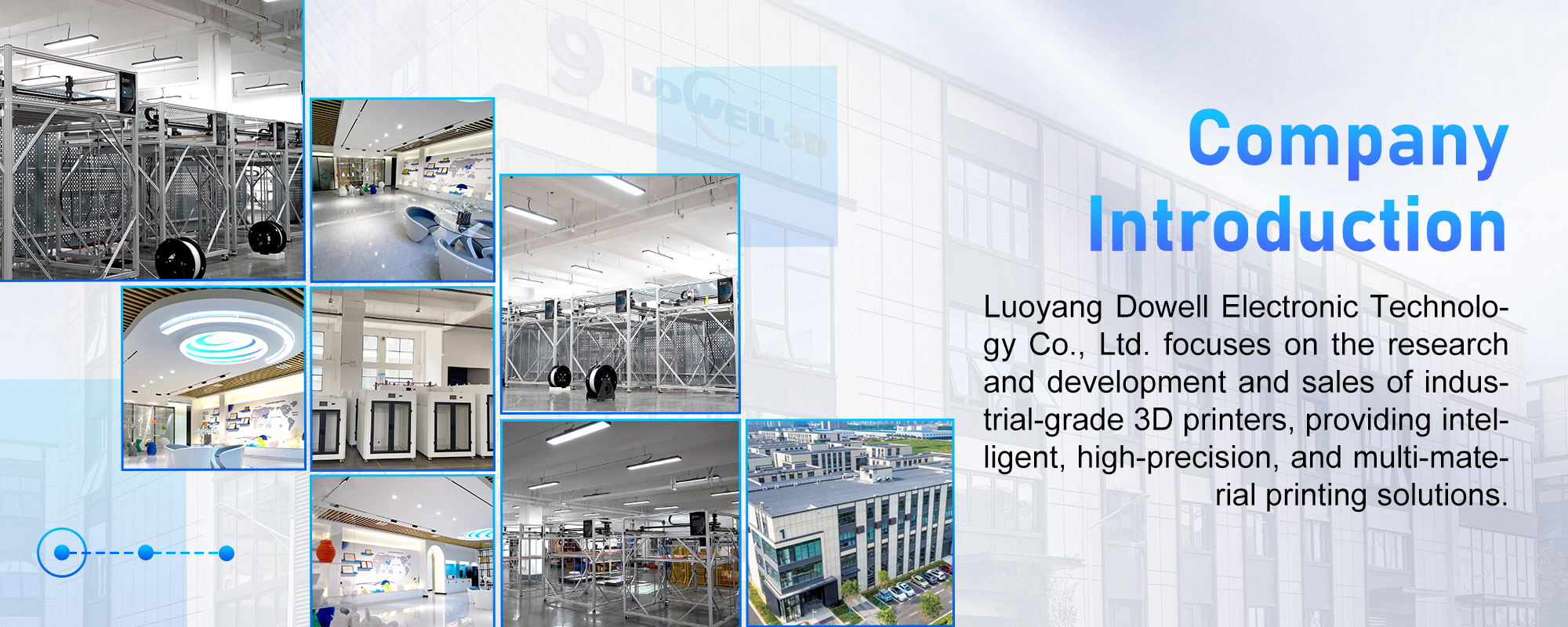
DOWELL3D boasts 11 years of industry experience, specializing in the development and sales of industrial-grade 3D printers, providing
intelligent, high-precision, multi-material printing solutions. Our company is trusted by professional customers worldwide and has received
100% positive customer reviews.
We also have a dedicated customer service team ready to assist you, answer your questions, and provide support whenever you need it.
Ready to take your 3D printing to the next level?
Explore DOWELL3D's range of 3D printers and filaments today and experience firsthand how our meticulously designed products can
significantly enhance your projects.